
Practitioner hub
The ACMOS Practitioner System
Everything for one balance session, in the order you use it: book, intake or check-in, session, review, client report.
About this system
Built by Ayda Walsh for ACMOS practitioners
This system is created by Ayda Walsh as part of her own ACMOS offerings. The goal was to provide a turnkey system that has everything an ACMOS practitioner would want, but also the flexibility to expand and grow it into other services they might offer.
Our storage platform is looking to upgrade to HIPAA-level encryption hosting soon, to offer an extra layer of security for our clients. This does not mean it is HIPAA compliant. Each business has to follow its own HIPAA guidelines, but the data will be hosted encrypted on secured servers.
7 steps · about 10 minutes for the client intake · reports in one click
Try the demoThe workflow
Book, intake, session, review, report
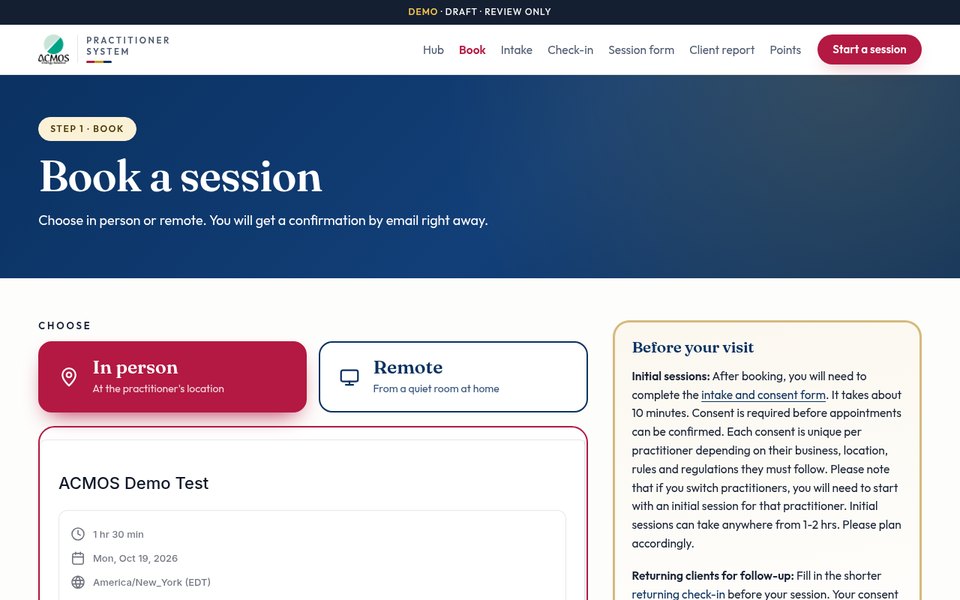
Book
In-person and remote calendars. Confirmations and reminders run automatically.
Open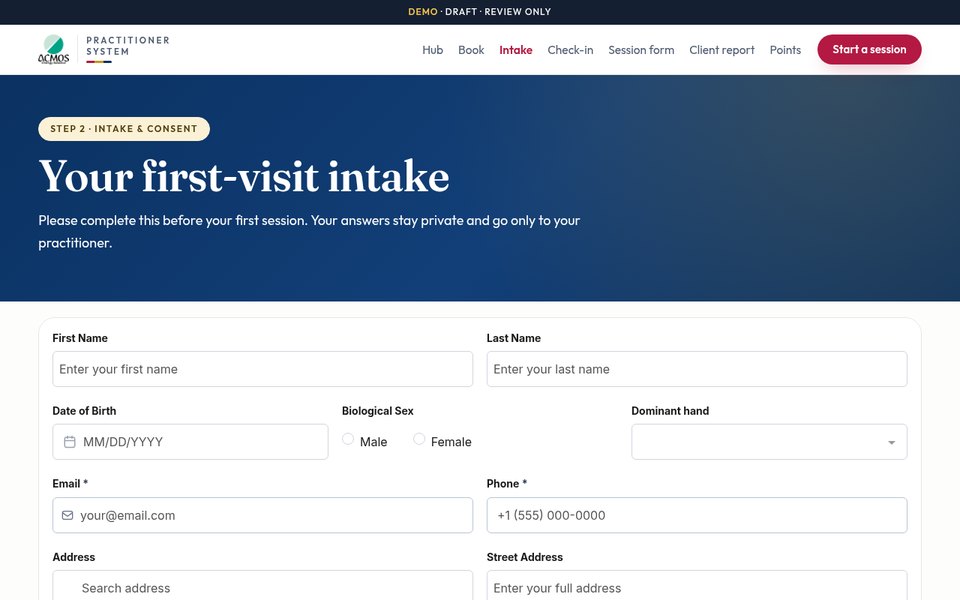
Intake & consent
The client fills this in before the first visit. Saved to their contact record.
Open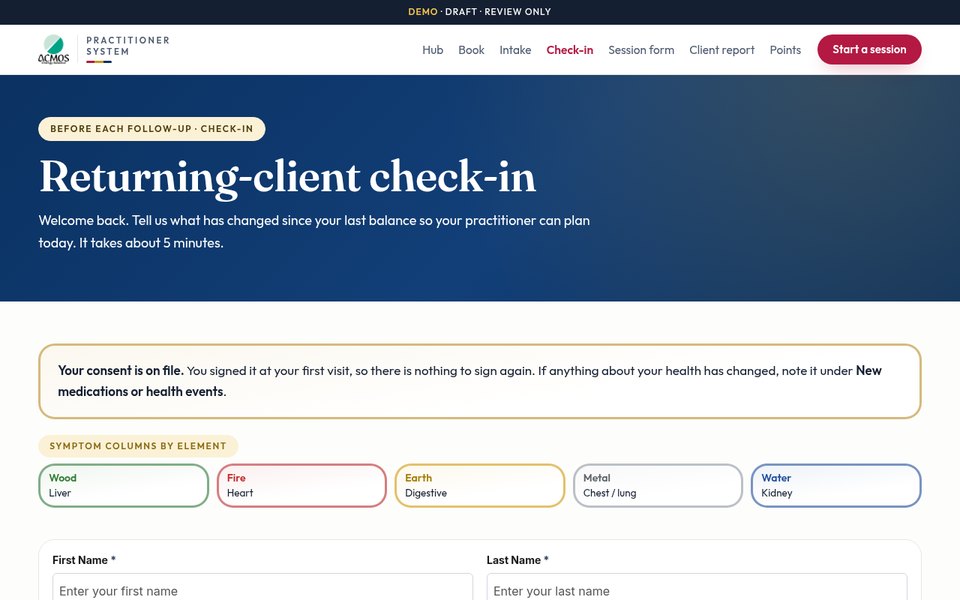
Returning check-in
Before each follow-up visit: what has changed, the five element symptom columns, homework. Consent stays on file.
Open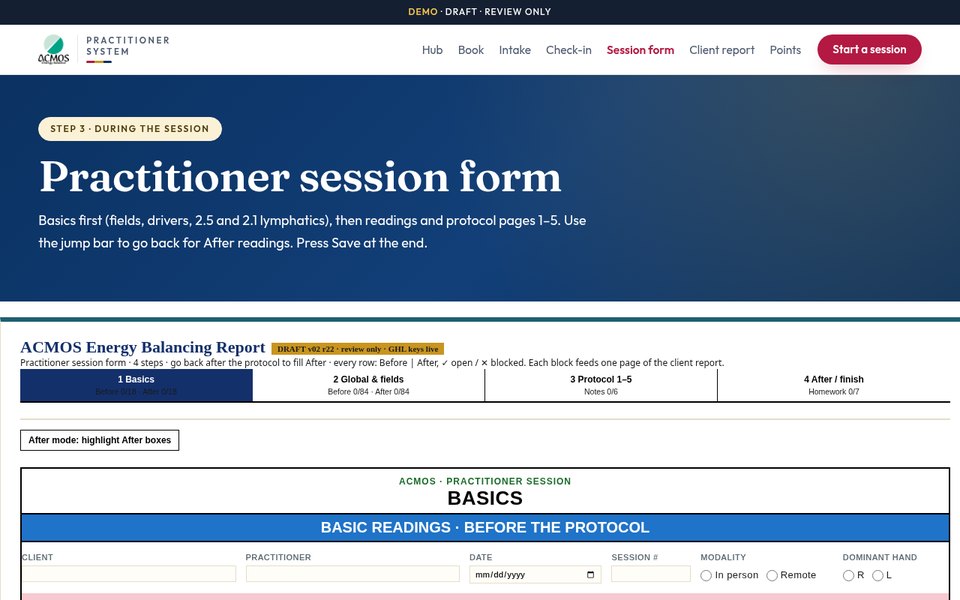
Session form
Basics, readings, protocol pages 1–5, homework and next balance, then Save. Saved sessions can be reopened and edited later from the Open/edit session link in their record.
Open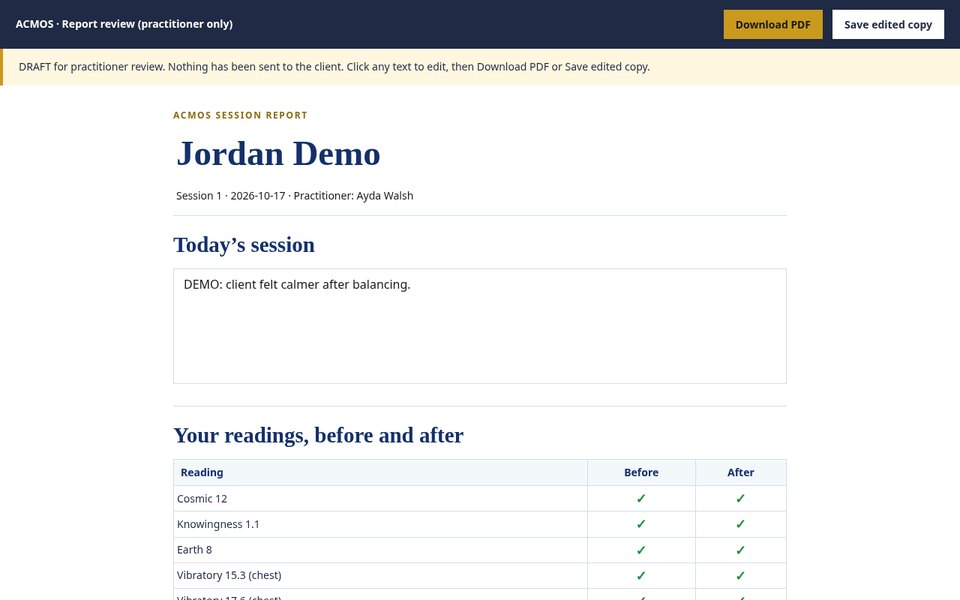
Practitioner review (report editor)
Review and edit the client report before it goes out, including the practitioner and client notes areas, then print or save it as a PDF. Each session gets its own review link in its record within 30 minutes. This card opens the Jordan sample.
Open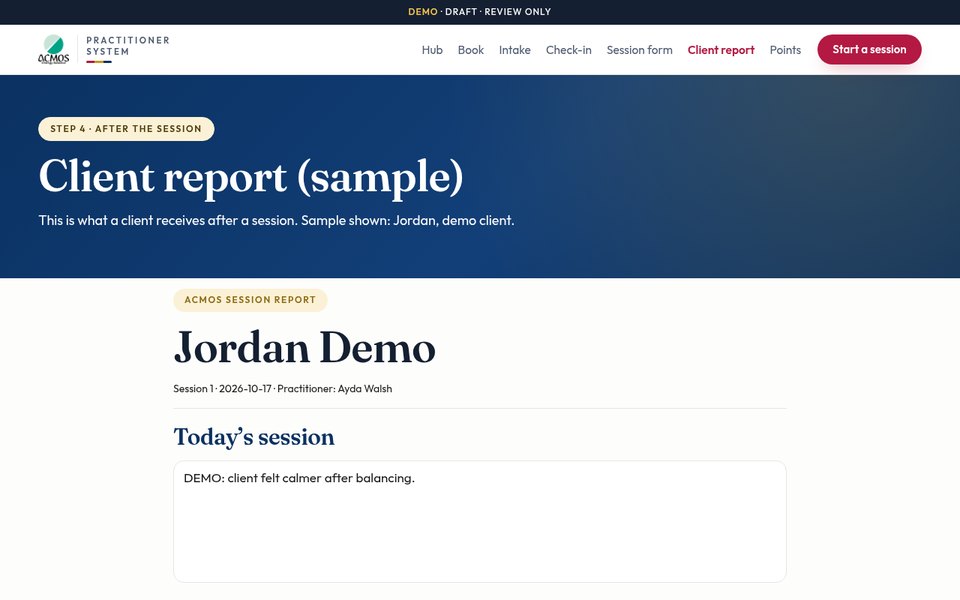
Client report (sample)
What the client receives: before and after readings, Ting colors, harmonies, homework, point cards and next balance. Sample shown: Jordan, demo client.
Open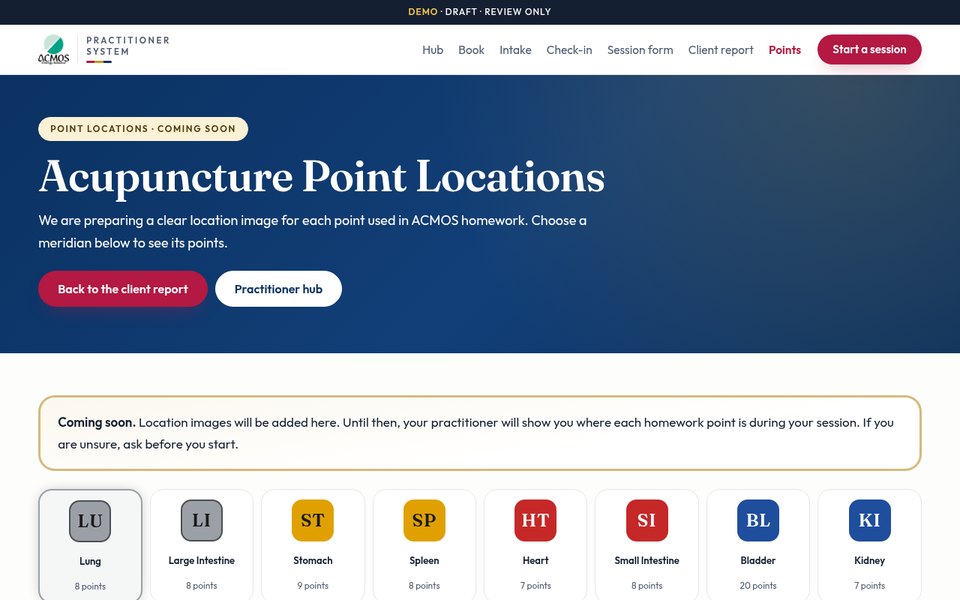
Acupuncture point locations
Every homework point by meridian. The report point cards link here with See where this point is.
Open
How a session flows
- Step 1The client books online.
- Step 2First visit: intake and consent. Follow-ups: the returning check-in.
- Step 3You fill in the session form during the balance and press Save.
- Step 4Within 30 minutes (8:00 AM–9:30 PM ET) the session is sorted into the client record, with its review and edit links.
- Step 5You review and edit the report, add notes, then print or save it as a PDF.
- Step 6The client gets the report.
- Step 7The client does the homework points, using the point locations page.